


Features
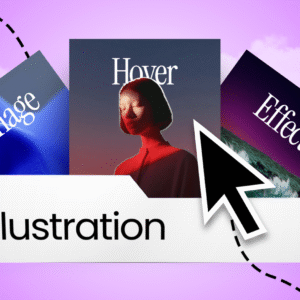
- Amazing Hover Effect with each menu items
- 2 Versions: Default and with Transparent Header
- Menu entrance animation during opening
- Different color and images for each items
- Modern light hamburger and close icons
- Included both container and non-contain version
- Instructional PDF file included (Bonus)
- Fully customisable
- 100% responsive on tablet and mobile
Installation Steps
-
Download the template .zip file and unzip it
-
You will find two versions:
-
Default Header
-
Transparent Header
-
-
Inside each version, you will find templates for:
-
Container users
-
Non-container (Section/Column) users
-
-
Open your preferred folder and select the .json file
-
Go to Elementor → Theme Builder
-
Select Header and click Add New
-
Upload the selected .json file and insert it
-
Click Publish
-
Click Add Condition
-
Set the condition to Entire Site
-
Click Save & Close



Reviews
There are no reviews yet.